

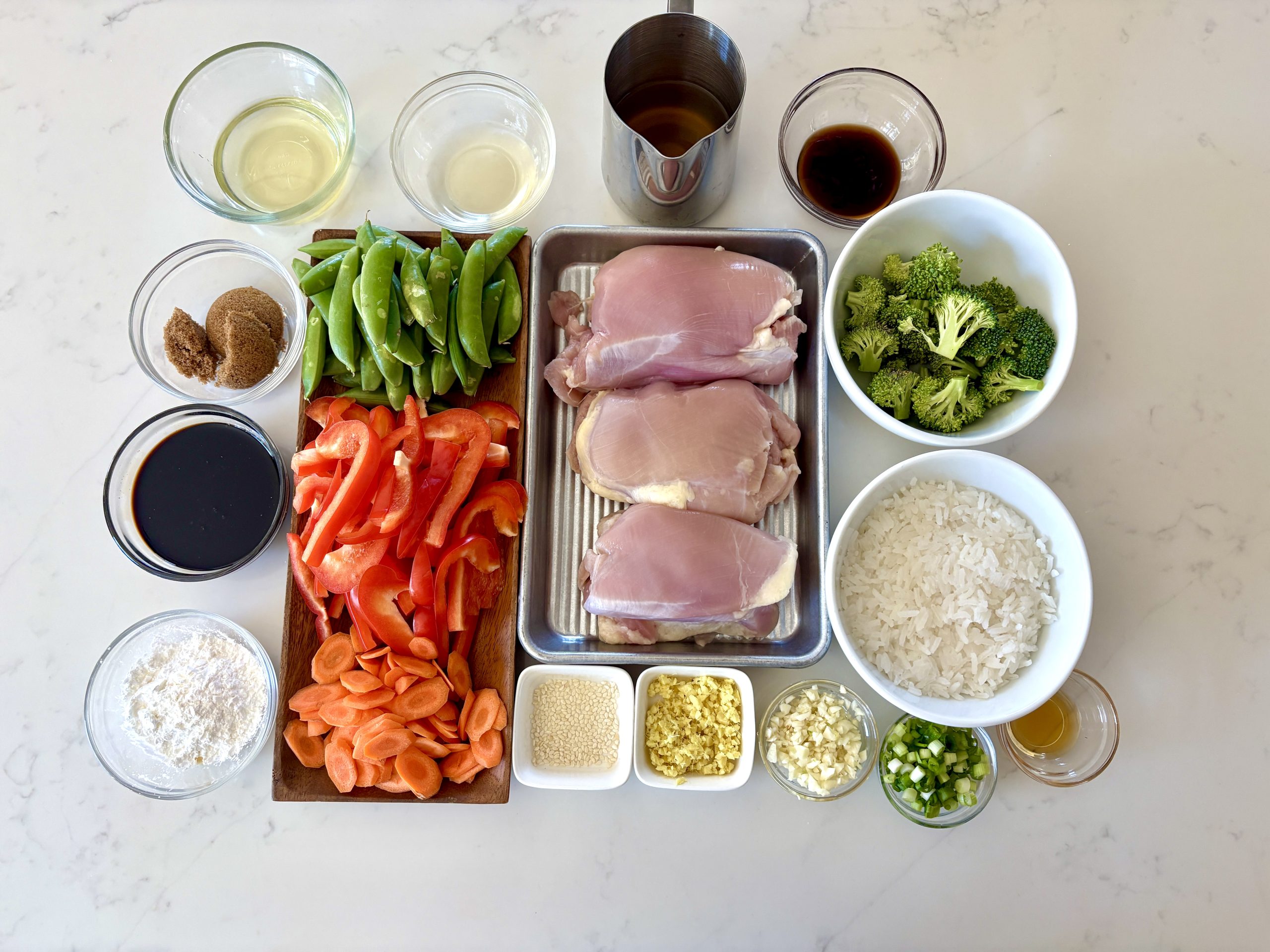
The benefits of meal planning have been shouted from every mountain and every Pinterest board, and rightly so. Meal planning can help with everything from slashing expenses to boosting nutrition.
There are tons of meal planning apps out there, and I’ve listed 14 of my favorites here, with free and paid options. Meal planning apps are great because they plan out the meals for you.
Meal planning apps can be super helpful if you’re looking to save time and money, eat healthier, get more organized, or follow a special diet.
Make sure to check out my guide on How to Meal Prep for Beginners!
The Best Meal Plan Apps to Save Time & Money (Paid / Free Trials)
I will say, however, that even the ones that charge a one-time fee or yearly subscription fee are well worth it for how much time and money they save you.
Some of my favorite meal planning apps cater to certain lifestyles, such as being on a budget or following a special diet.
Ultimate Meal Plans
My buddy Joel started an awesome meal planning service called Ultimate Meal Plans (free trial!). He also hooks you up with a grocery list. Brainstorming what to make for dinner, making a grocery list, getting to the store, cooking, cleaning up… we could really use a hand!
Some of them even integrate with grocery delivery services! I don’t know how they do it, but UMP partners with many grocery stores.
The Ultimate Meal Plans comes highly recommended by me!
- Less than 15 minutes of prep time
- 5 ingredients or less for every recipe
- 9 different diet options: keto, paleo, low carb, weight loss, etc.
- Weekly grocery shopping list
- Private FB group
- Access to a diet coach to ask questions
- Exclude ingredients you don’t like, can’t find, or are allergic to
I can’t recommend UMP enough! Joel is as legit as they come and this service is incredible.
You can sign up for a 2 week free trial and then it’s only $8 a month to keep getting meal plans delivered to your inbox each week.
$5 Meal Plan
It’s been my experience that moms and dads are always short on time.
The $5 Meal Plan app promises to help you reclaim some of that time. For $5/month, it lays out your meals for the week.
Each meal is $2/person or less!
It’s super user-friendly and easy to navigate. You can customize serving sizes, too. If there’s a certain diet you’re following (vegan, gluten-free, vegetarian, etc.), you can select that option as well.
You can add as many profiles as you’d like, which is great if you have different appetites/preferences in your household. You can also share your favorites with other profiles! Recipes are easy and quick to make so you don’t have to worry about standing in the kitchen all night!
Paprika
Paprika. It’s also available on iOS, Android, PC, and Mac! It costs somewhere in the $4.99-$29.99 range, depending on what version you get. It’s well worth it if you’re looking for a great recipe manager that syncs across all of your devices.
Paprika is more of a recipe management app than anything else. Instead of saving recipes here and there and not being able to find them when you need them, Paprika gives you a nice, centralized location for your meal plans, grocery lists, and recipes. Paprika Recipe Manager is an app that helps you organize all of your recipes. Paprika can be synced across all of your devices and even has a desktop version available for Mac and PC.
I like that you can import recipes from anywhere online. I also like that their grocery lists are organized by grocery store aisle and that their recipes are “interactive” in that you can check off ingredients as you go. Recipes can be marked as favorites, so you can easily come back to them again in the future. You can add your own or import recipes from anywhere on the web. Grocery lists are automatically generated and sorted by grocery store aisle to make shopping a breeze.
I also like that you can search for recipes using ingredients or keywords. Paprika has an interactive encyclopedia which can help guide you through the cooking process step-by-step. Wonderful for too lazy to prep a meal ers or people that just can’t figure out what to have for dinner.
Plan to Eat
Plan to Eat is a recipe organizer and meal planner.
Long-time users (the app’s been around for well over a decade!) are loyal to this app and their subscriptions and for good reason.
Customize portions according to the appetites of your family members.
After selecting the date range of the recipes you’d like to shop for, the app will automatically create your shopping list. You can then either cross items off the list or print it out.
Monthly plans cost $5.95 or a yearly subscription clocks in at $49.
MealBoard
Meal planning, grocery shopping, recipe management, and food inventory tracking are just some of the many services MealBoard can perform for you.
What sets it apart is its sleek design and uncluttered look. Because the app is fully customizable, it comes with just a few recipes on it. Then, you start importing and inputting your favorites.
Recipes can be organized according to ingredients (vegetables, meat, cheese, etc). Recipes are organized by course and meal type.
It also allows you to share recipes privately with other MealBoard users! Recipes can be favorited and shared amongst profiles. MealBoard allows you to plan your meals for the week using a drag and drop feature. Share your meals on Facebook and Twitter!
A free desktop version is available as well. MealBoard can be purchased on the App Store for $3.99.
MealPlan+
If “What’s for dinner?” stops you in your tracks, you might need MealPlan+.
The drag and drop feature makes this a great meal planning app for tablets and phones!
There are no limits or constraints on what you can do. For example, if you don’t like eggs for breakfast, just drag them into another meal later in the day! MealPlan+ supports multiple users, so the whole family can use it without each person needing to set up their own account.
MealPlan+ can be downloaded on the App Store for iPhone and iPad for $3.99. MealPlan+ is also compatible with the Apple Watch!
Your grocery list is automatically generated and organized by grocery store aisle.
The Best Meal Plan Apps to Save Time & Money (Free)
Meal planning made easy! Meal planning is a great way to save time and money! If you’re looking for meal planning ideas, try using one of these meal planning apps to get started!
If you’re interested in trying out meal planning but you’re not sold just yet, or if you are, and you want to shop around, try out these free meal planning apps before investing in one! You won’t regret it! If you need more help, here are some more apps for saving money on groceries!
Pepperplate
This meal prep app is designed for real people and to manage real problems. No more digging through recipe book after book or rummaging through piles of papers to find your favorite meal.
The entire meal planning process is simplified with Pepperplate.
Manage recipes, create menus, plan your week, and share your favorites easily with family and friends. There’s tons of great features in this app but one of my favorites is the Cook Mode which prevents the screen from going dim. If you’ve ever tried to cook following a recipe on your phone/tablet, you know how frustrating it is to keep unlocking the screen, especially if you have messy/dirty hands!
Pepperplate is another great meal planning app, this one geared toward meal prepping. Additional tools, timers, kitchen scale, etc.
Pepperplate is free and available for pretty much any device (even Nooks!).
Prepear
Whether you’re a foodie who loves to try new recipes or you simply want to find food to feed the picky eaters in your family, Prepear has you covered.
The database of recipes is pretty impressive with over 100,000 recipes to choose from! But you can also add your own recipes and even recipes you find online! Recipes can be edited so if you make changes, you can note them within the app.
Other features I love: Items can be checked off and there’s even a share option! Split screen cooking, follow along with your recipe by viewing up to three ingredients and steps at a time. Uncluttered cooking experience, follow along with your recipe without distraction. Check off ingredients/steps, no more wondering if you added salt! Just check it off and move on.
All from one, easy to navigate app! Grocery list creation, add recipes and it creates a grocery list for you. Dial in your macros with this nifty little app!
Eat This Much
Diets are often difficult to stick to because meals can get boring, but Eat This Much is here to help!
Vegetarian? Keto? Paleo? Mediterranean?
Choose your diet and this app will create a meal plan specifically for you! Tell it how much weight you want to gain/lose and rate how many grams of macros you’d like per meal (on a scale of 1-5) and voila! You have your very own dietitian in your back pocket!
Calorie counting? Eat This Much can help. If weight loss is your goal, the app will suggest meals with fewer calories than if weight gain is your goal. Vegetarian/vegan diets can be selected from the drop down menu at the top of the screen when you’re planning your meals.
This app isn’t just for people who are watching calories or following a specific diet. You can actually follow any eating style or create your own.
You can sign up online or download the Eat This Much app from Google Play or the App Store for free!
Veganized
Vegan? Whether you’re new to plant-based eating or have been doing it for a while, make sure to check out Veganized.
Vegan or not, this app has some great recipes! If you’re vegan/vegetarian, you can use Veganized to help plan meals and recipes, as well as track your nutrition.
If you’re not vegan, there’s still plenty of recipes to choose from! Recipes can be filtered according to ingredients/allergies so you’re only seeing recipes that pertain to you. There are also free eBooks that show you how to veganize recipes like a pro!
Download Veganized for free from Google Play!
BigOven Recipes and Meal Planner
BigOven has to be one of my favorites! With half a million recipes to choose from, you’re bound to find something you like in BigOven! Enter those ingredients and let BigOven help you come up with a new meal!
Recipes can be filtered by dietary needs/allergies and there are a handful of ways BigOven showcases recipes: Recipe Ideas are seasonal picks, which are extremely helpful if you’re hosting a dinner or bringing a dish to an event. Recent Raves help you see which recipes are most popular with other users.
Finally, there are Recipe Picks that editors feature. This caught my eye because it was the first meal prep app I saw to feature recipes for Low FODMAP diets.
One of my favorite features of BigOven is the ability to search recipes by ingredients. Looking for a great way to use up those leftover veggies/chicken/etc. from last night’s dinner? Less waste is a win!
Notes can be added to recipes (great reminders for how long something takes to make/ingredients that you may have to pick up, etc.).
There are also plenty of videos (some hosted by chefs!) that demonstrate how to make certain recipes.
Cozi Family Organizer
The Cozi Family Organizer is designed for families with busy schedules who still want to carve out time to sit down and enjoy meals together. So this is the perfect app for all families!
If your children are in school, activities are synced with the school calendar so you’ll know where everyone’s supposed to be at all times!
Calendars can be shared and reminders can be set (this is probably why it was named The TODAY Show’s app for a better life!).
Grocery lists can be created in The Cozi Family Organizer and synced with Google Calendar to keep everything up-to-date in one place! Grocery lists can be synced with meal plans and expiration date reminders can be set.
Designed for families, The Cozi Family Organizer is a great way to keep track of everyone’s schedules, as well as plan meals for the week/month. The Cozi Family Organizer has you covered! Download The Cozi Family Organizer app for free on your computer or mobile device!
Meal Planner Pro
Busy moms and dads can find some meal prep inspiration (and app recommendations!) in this roundup of the best meal prep apps. Meal Planner Pro made the list, of course! What sets Meal Planner Pro apart from other meal planning apps is the ability to create profiles for everyone in your household.
Meals can be planned according to dietary restrictions/preferences of everyone in the household!
Need gluten-free, peanut-free, dairy-free, sulfite-free, etc. recipes?
Created by registered dieticians, meals can be highlighted according to nutrition using a ProScore system. Meals are given a ProScore that helps users determine how well a meal fits into their lifestyle/nutrition goals, all while saving time and money!
AnyList
Meal prep app AnyList has rave reviews from its users, boasting an average 4.9 out of 5 stars on the App Store. Grocery lists and meal plans can be created and shared with family members/roommates, for free!
Any changes/additions are instantly updated on everyone’s devices.
AnyList is a great app to help plan meals and keep everyone on the same page (literally).
Not only can items be added to a list, recipes can be added as well!
Need to show a picture to someone at the grocery store to clarify what you need? AnyList allows pictures to be added! AnyList is also compatible with Siri, so list items can be added hands free! Download AnyList from Google Play or the App Store!
Conclusion
Meal planning apps are a great way to save time and money while still eating healthy, well-balanced meals. Whether you’re looking for an app to help you find recipes, plan meals for the week/month, or even order groceries, there’s an app for that! Check out these 14 best meal planning apps!
Leave a Reply